



Go to legacy version
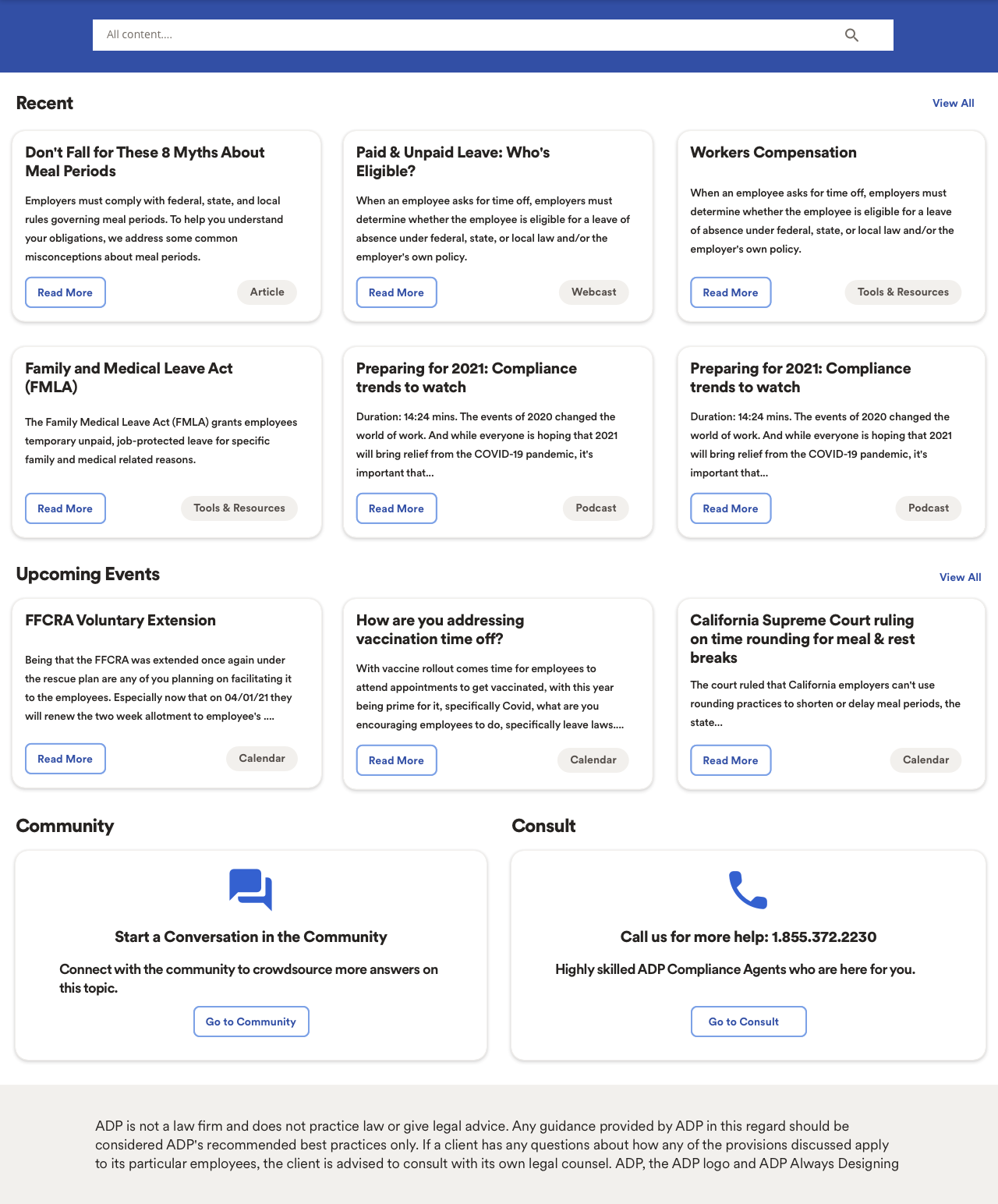
Call Us for More Help: 1.855.372.2230
How are You addressing Vaccination Time Off?
Preparing for 2021: Compliance Trends to Watch
Go to consult
Go to community
Read more
Read more
Read more
Read more
Read more
Read more
Read More
Read more

Help


Content
Calendar
Consult
Community
Articles
Policies
Forms
Webcasts
Tool & Resources
Podcasts
Posters


Home

Content
Calendar
Consult
Community
Articles
Policies
Forms
Webcasts
Tool & Resources
Podcasts
Posters
Content
Calendar
Consult
Community
Home
Hot Topics
By Type
By Topic
Leave
Wage & Hour
Pay
Benefits
Privacy
Covid-19
Leave
Wage & Hour
Pay
Benefits
Privacy
Covid-19
Content
Calendar
Consult
Community
Home
Hot Topics
Home
Hot Topics
Help
Content
Calendar
Consult
Community
Articles
Policies
Forms
Webcasts
Tool & Resources
Podcasts
Posters
Home
Content
Calendar
Consult
Community
Articles
Policies
Forms
Webcasts
Tool & Resources
Podcasts
Posters
Content
Calendar
Consult
Community
Home
Hot Topics
By Type
By Topic
Leave
Wage & Hour
Pay
Benefits
Privacy
Covid-19
Leave
Wage & Hour
Pay
Benefits
Privacy
Covid-19
Content
Calendar
Consult
Community
Home
Hot Topics
Home
Hot Topics
Read more
Close


Help
E-mail us at with your question and we’ll get back to you as soon as we can.
CoD.Admin@adp.com
Need help with using Compliance on Demand?
Preferences: When you configure your regional and content type Preferences, you are telling Compliance on Demand which jurisdictions and content types you would like to receive updates on—both in Compliance and Demand’s dashboard and directly in your inbox.
Search: When you select different regions or content types with the search filters in the listing or search results pages, Compliance on Demand will override your Preferences for the duration of the session. However, this will not modify or affect your Preferences, dashboard, and e-mail notification selections. These filters will reset at the end of your session.
Configuring your Preferences and Using Search Filters
Close
Help
E-mail us at with your question and we’ll get back to you as soon as we can.
CoD.Admin@adp.com
Need help with using Compliance on Demand?
Preferences: When you configure your regional and content type Preferences, you are telling Compliance on Demand which jurisdictions and content types you would like to receive updates on—both in Compliance and Demand’s dashboard and directly in your inbox.
Search: When you select different regions or content types with the search filters in the listing or search results pages, Compliance on Demand will override your Preferences for the duration of the session. However, this will not modify or affect your Preferences, dashboard, and e-mail notification selections. These filters will reset at the end of your session.
Configuring your Preferences and Using Search Filters
Close
Help
E-mail us at with your question and we’ll get back to you as soon as we can.
Need help with using Compliance on Demand?
CoD.Admin@adp.com
Preferences: When you configure your regional and content type Preferences, you are telling Compliance on Demand which jurisdictions and content types you would like to receive updates on—both in Compliance and Demand’s dashboard and directly in your inbox.
Search: When you select different regions or content types with the search filters in the listing or search results pages, Compliance on Demand will override your Preferences for the duration of the session. However, this will not modify or affect your Preferences, dashboard, and e-mail notification selections. These filters will reset at the end of your session.
Configuring your Preferences and Using Search Filters
Need help with using Compliance on Demand?
Close
Help
E-mail us at with your question and we’ll get back to you as soon as we can.
Need help with using Compliance on Demand?
CoD.Admin@adp.com
Preferences: When you configure your regional and content type Preferences, you are telling Compliance on Demand which jurisdictions and content types you would like to receive updates on—both in Compliance and Demand’s dashboard and directly in your inbox.
Search: When you select different regions or content types with the search filters in the listing or search results pages, Compliance on Demand will override your Preferences for the duration of the session. However, this will not modify or affect your Preferences, dashboard, and e-mail notification selections. These filters will reset at the end of your session.
Configuring your Preferences and Using Search Filters

Preferences & Search
Using Compliance On Demand
Need help with using Compliance on Demand?
Preparing for 2021: Compliance Trends to Watch